Printed pages
Photograph a book page, a letter, a menu or a worksheet with your tablet's camera. The text is recognized on the tablet and read aloud.
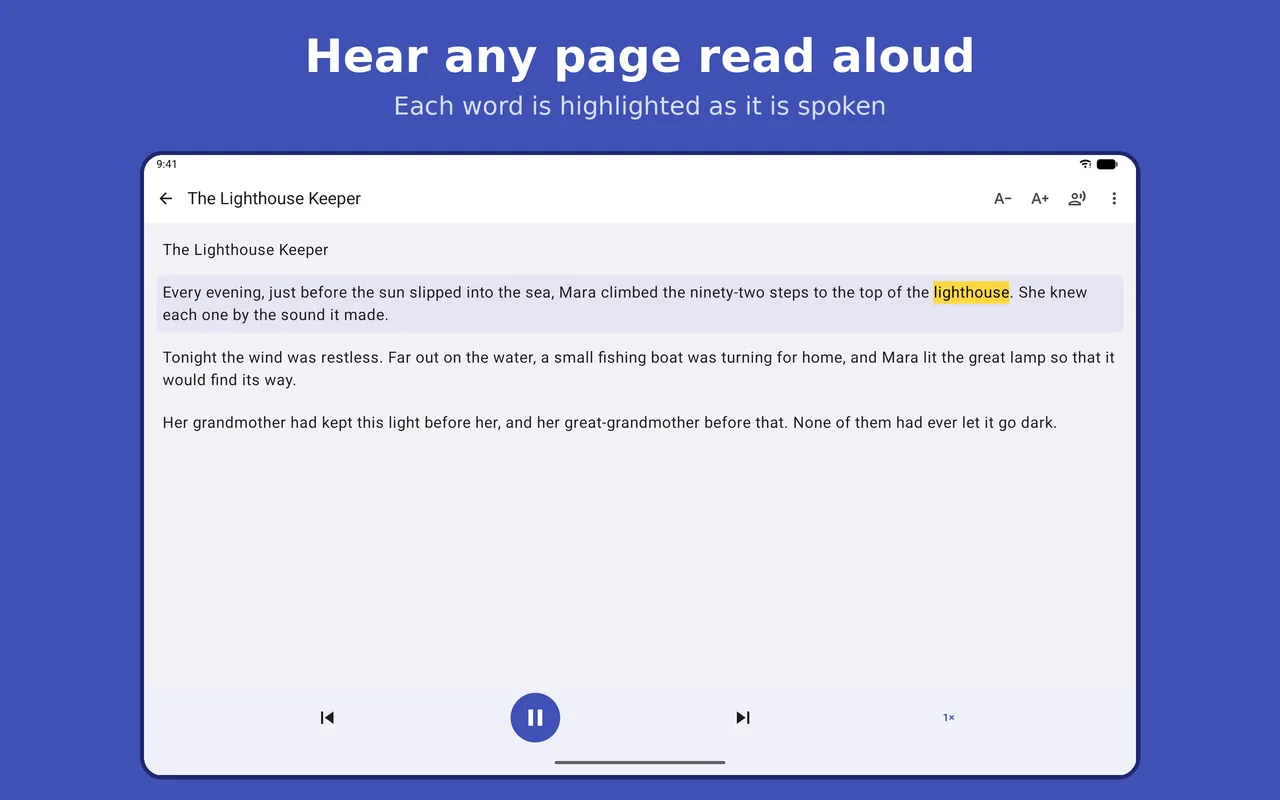
Photograph a book page, a letter or a worksheet, choose a photo, or open a PDF, and hear it read aloud with each word highlighted as it is spoken. Text recognition and speech run on your tablet, so your pages never leave it.
Four ways to get text into the app. All of them work without an internet connection.
Photograph a book page, a letter, a menu or a worksheet with your tablet's camera. The text is recognized on the tablet and read aloud.
Choose any picture that contains text.
Open a PDF, an image or a text file. Scanned PDFs work too.
Type it, paste it, or share it to the app from another app.
Built for people with dyslexia or low vision, for students and language learners, and for anyone who would rather listen.
Each word is highlighted as it is spoken. Tap any paragraph to start from there.
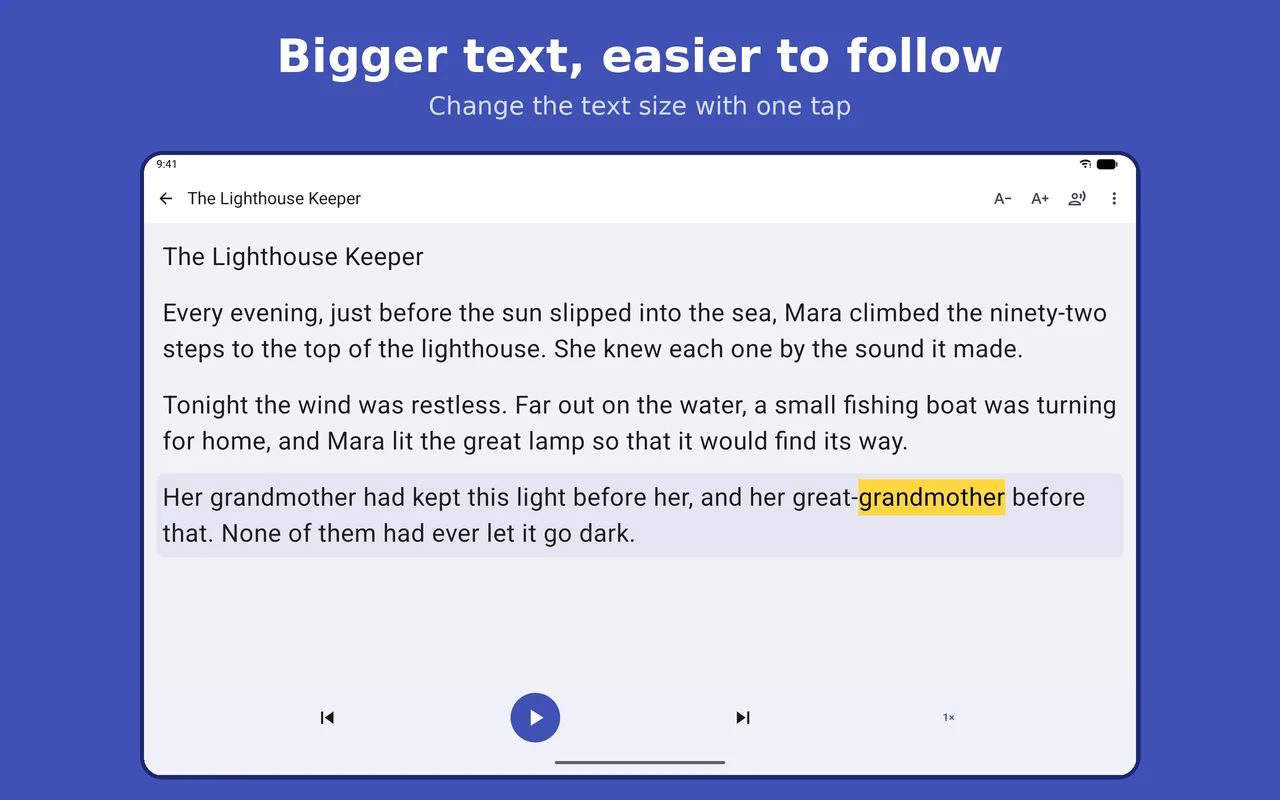
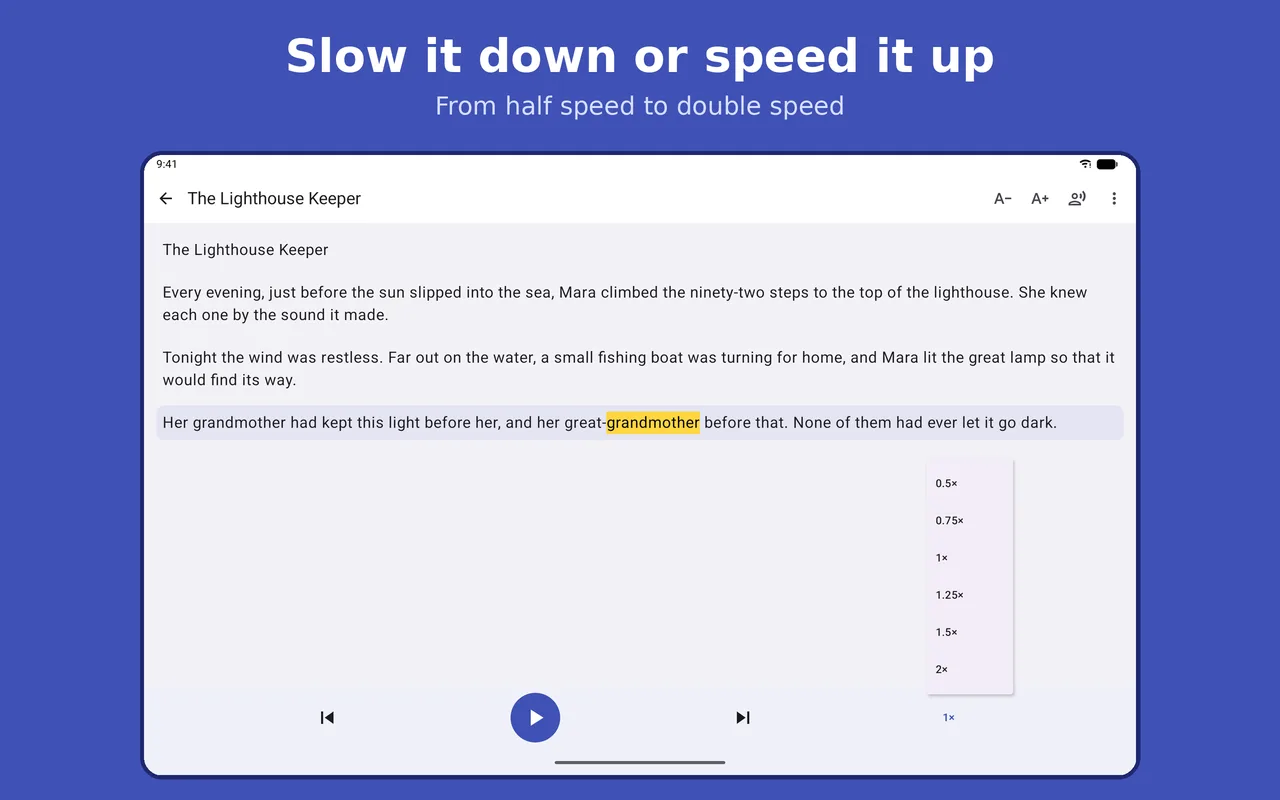
Slow the voice down or speed it up, from half speed to double speed, and make the text larger or smaller.
Listen with the screen off, with play, pause and skip controls on the lock screen and on headphones.
Many reading apps send your pages to a server to recognize the text or to create the voice. Read Aloud For Me does both on the tablet.
That makes it a good fit for letters, schoolwork and anything else you would rather keep to yourself.
Fire tablets from 2018 and later. Older Fire tablets cannot run the app.
The app uses the text-to-speech voices installed on your tablet. Have an iPad, iPhone, Mac, Android phone or Windows PC instead? See the other versions.
Fire tablets from 2018 and later: Fire 7 (2019 and 2022), Fire HD 8 (2018, 2020, 2022 and 2024), Fire HD 8 Plus (2022), Fire HD 10 (2019, 2021 and 2023), Fire HD 10 Plus (2021) and Fire Max 11 (2023). Older Fire tablets cannot run it.
It uses the text-to-speech voices installed on your Fire tablet, and picks one that matches the language of the text. You can add or change voices in your tablet's text-to-speech settings.
No. Text recognition and speech run on the tablet, so it works on a plane, in a car or anywhere without Wi-Fi.
No. Your pages, photos and documents stay on your tablet. There is no account and no sign-in.
No. There are no ads and no in-app purchases.
Text recognition works with languages written in the Latin alphabet, such as English, French, Spanish, German, Italian and Portuguese. Reading aloud depends on the voices installed on your tablet. The app's menus are in English and French.
It is the same reader, built for Fire tablets. On a Fire tablet you photograph one page at a time with the tablet's camera.
Read Aloud For Me for Amazon Fire tablets.
DjamgaTech Corp · Calgary, Alberta, Canada · info@djamgatech.com